AI assistant
Installing an AI assistant without technical skills: how does it work?

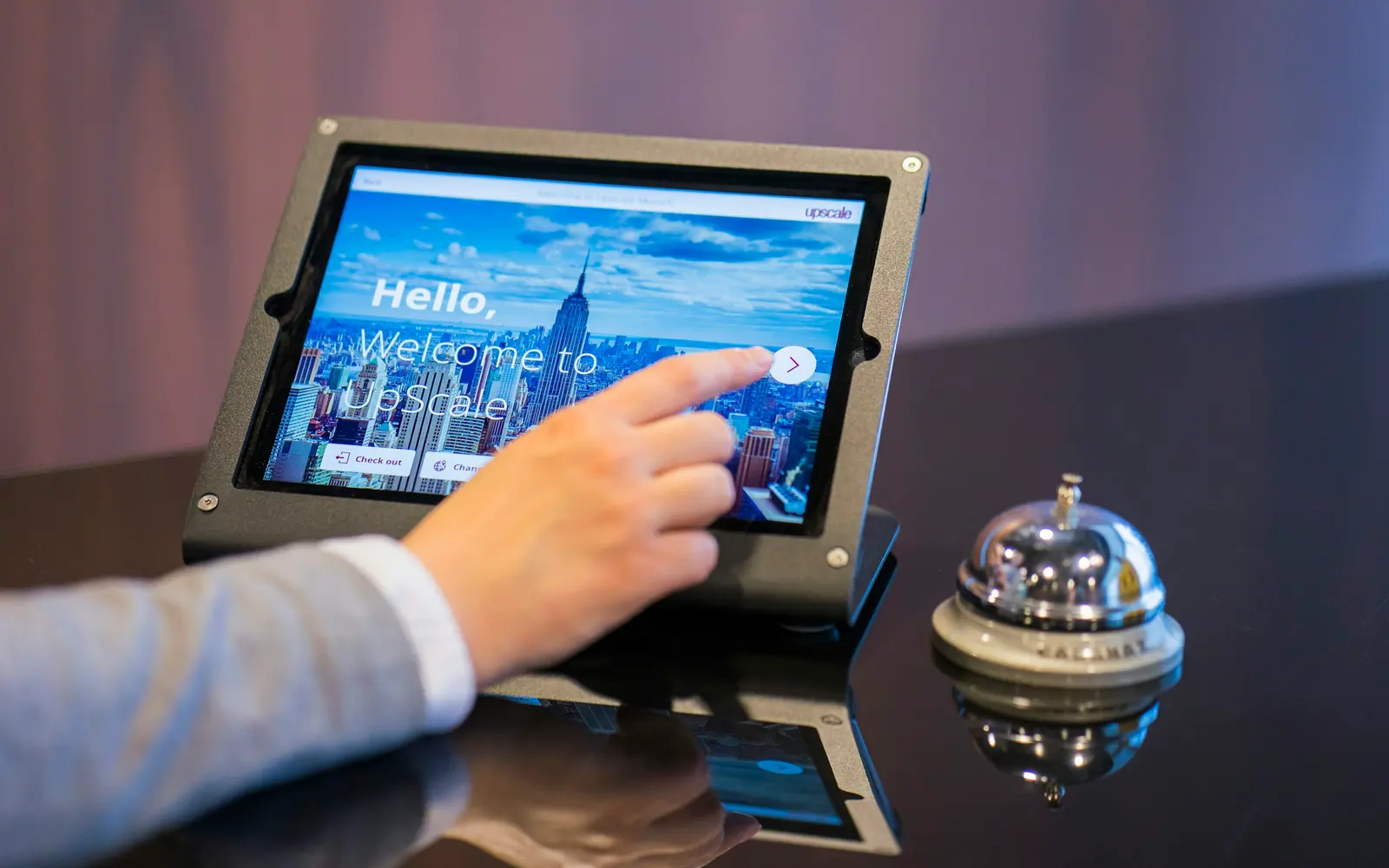
Photo: Proxyclick Visitor Management System / Unsplash
Automating answers to repetitive requests while keeping a warm, human welcome has become a real challenge for hospitality professionals. Hoteliers, campsite directors, residence managers and holiday-let owners all see requests rising steadily, driven by international guests who are increasingly connected and demanding. Yet setting up an AI assistant that genuinely helps your digital welcome no longer requires advanced IT skills: today you can install an AI assistant for your reception or digital welcome without coding and without calling on technical expertise.
The aim is to lighten the load on reception, improve guest satisfaction and make hosts more competitive, while complying with current regulations and offering a smooth user experience. Installation takes a few key steps that anyone can follow, and results in a solution suited to French hospitality.
Installing an AI assistant without technical skills: is it possible?
Deploying an AI assistant for a hotel or tourist accommodation no longer means hiring an IT specialist or learning new technical skills. Recent platforms offer easy-to-use solutions, designed for anyone comfortable with a computer or a tablet.
What "no-code" means in hospitality
Installation and configuration are done without writing any code.
The interface relies on forms, drop-down menus and intuitive dashboards.
Standard answers, instructions, opening hours and practical information are added directly, in plain language.
What is configured, not coded
You set up the assistant by choosing options and entering your property's own information: opening hours, services, contacts, arrival or key handover instructions.
At no point are you asked to edit code or technical scripts.
Limits to know for realistic expectations
A no-code AI assistant covers standard needs (frequent questions, practical information), but a human is still needed for specific, subtle or sensitive cases.
Very complex automations or connections to advanced third-party tools (in-depth PMS integrations) may require help from your provider.
The success of the project depends mainly on preparing your content and clearly defining what the assistant should handle. The goal is not to replace the human welcome, but to relieve the team of routine repetition.
Chatbot, AI assistant or agent: what's the difference?
Digital guest-service tools fall into several categories of assistants. Telling them apart helps you choose the solution that fits your needs, your team and your guests.
The scripted chatbot
It works with fixed menus and guided dialogues ("type 1 for opening hours", "type 2 for parking").
It is easy to set up for highly repetitive or standardised uses.
It quickly reaches its limits as soon as a request falls outside the script, or the guest phrases it differently.
The assistant with document search
It searches a document base (digital welcome book, FAQ, internal procedures) to answer in natural language, including in several languages. This is known as retrieval-augmented generation.
It suits a wide range of questions: opening hours, facilities, location, terms, tips for the stay.
It is more flexible and more relevant for hospitality, since the document base is updated regularly, with no technical skills.
The connected agent that can take action
It connects to booking tools, a CRM or business software (PMS), according to defined permissions.
It carries out certain actions automatically: triggering a booking, sending a code, alerting the team.
This power calls for strict supervision, locked-down access rights and, in most cases, human approval before any sensitive action.
Summary table
Use case | Recommended tool | Precautions |
|---|---|---|
Simple answer, pointing to a form or standard information | Scripted chatbot | Limited with new questions |
Personalised answer based on your internal documents | Generative AI assistant based on your welcome book and FAQ | Document and validate the content |
Automatic action in a PMS or online booking tool | Connected agent, approved by the team | Human approval and oversight |
The choice therefore depends on the kind of interactions you want: most of a host's needs are met by a document-based AI assistant, simple to install and manage.
What can an AI assistant do for an accommodation business?
AI assistants have many practical uses in hotels and accommodation, with a quick impact on guest satisfaction and day-to-day operations.
Answer guests' frequent questions
Wi-Fi, parking location, pet policy, breakfast times, family and group offers, safety instructions.
In the guest's language, instantly, at any time.
Help reception with fast, reliable information
Receptionists find validated answers from a dashboard, without wasting time on repetitive requests.
Handing over to a colleague happens systematically as soon as a request goes beyond the planned scope or becomes sensitive.
Automate routine tasks and follow-ups
Showcasing additional services (upselling), collecting guest reviews in the moment, highlighting offers suited to the visitor's profile.
Lead capture collects visitors' contact details, with their consent, to grow your contact base and develop relationship marketing.
Cut repetitive calls and speak every language
On average, 6 to 7 fewer calls a day at reception, especially about access and arrivals outside opening hours.
An AI assistant available 24/7 that converses naturally in more than 40 languages.
Support sales and the direct channel
Highlighting offers, extra services and the benefits of booking direct with targeted marketing popups.
A clear gain on the direct channel: the assistant resolves 80% of routine requests on its own, without the visitor leaving your website.
Some customer feedback illustrates this impact: many teams report real time savings and high satisfaction among international travellers, who find answers on their preferred channel without waiting for a phone call to be picked up.
How do you install your first AI assistant without coding?
Installing an AI assistant suited to your property is quick and requires no technical skills. Here are the key steps for an effective, reliable set-up.
1. Target a concrete, priority need
List the questions reception hears most often: Wi-Fi access, late arrival, breakfast times, pets allowed, parking access.
Focus on a high-volume topic that will quickly lighten the team's load.
2. Gather, check and organise your information sources
Prepare a reliable document base: welcome book (paper or digital), up-to-date internal procedures, house rules, guest materials, existing FAQs.
The simplest option is to bring this content together in a digital welcome book accessible by QR code.
3. Choose a suitable solution
Opt for a specialised SaaS platform with a simple interface, human support and a turnkey set-up.
Check compatibility with your existing tools: website, PMS and booking engine, QR code or widget.
4. Define instructions, limits and human handover
Specify the use cases: what should the assistant answer? When should it hand over to staff?
Set up standard answers for out-of-scope requests ("this question will be passed on to the front desk team").
Set the conditions that trigger human review.
5. Test in real conditions
Put the assistant through a wide variety of questions: different wordings, typos, several languages, off-topic questions.
Check that answers are relevant and that handover to staff works reliably when in doubt.
6. Add the assistant to your touchpoints
Install the web widget (a script provided, to copy and paste) on your website, booking engine or guest area.
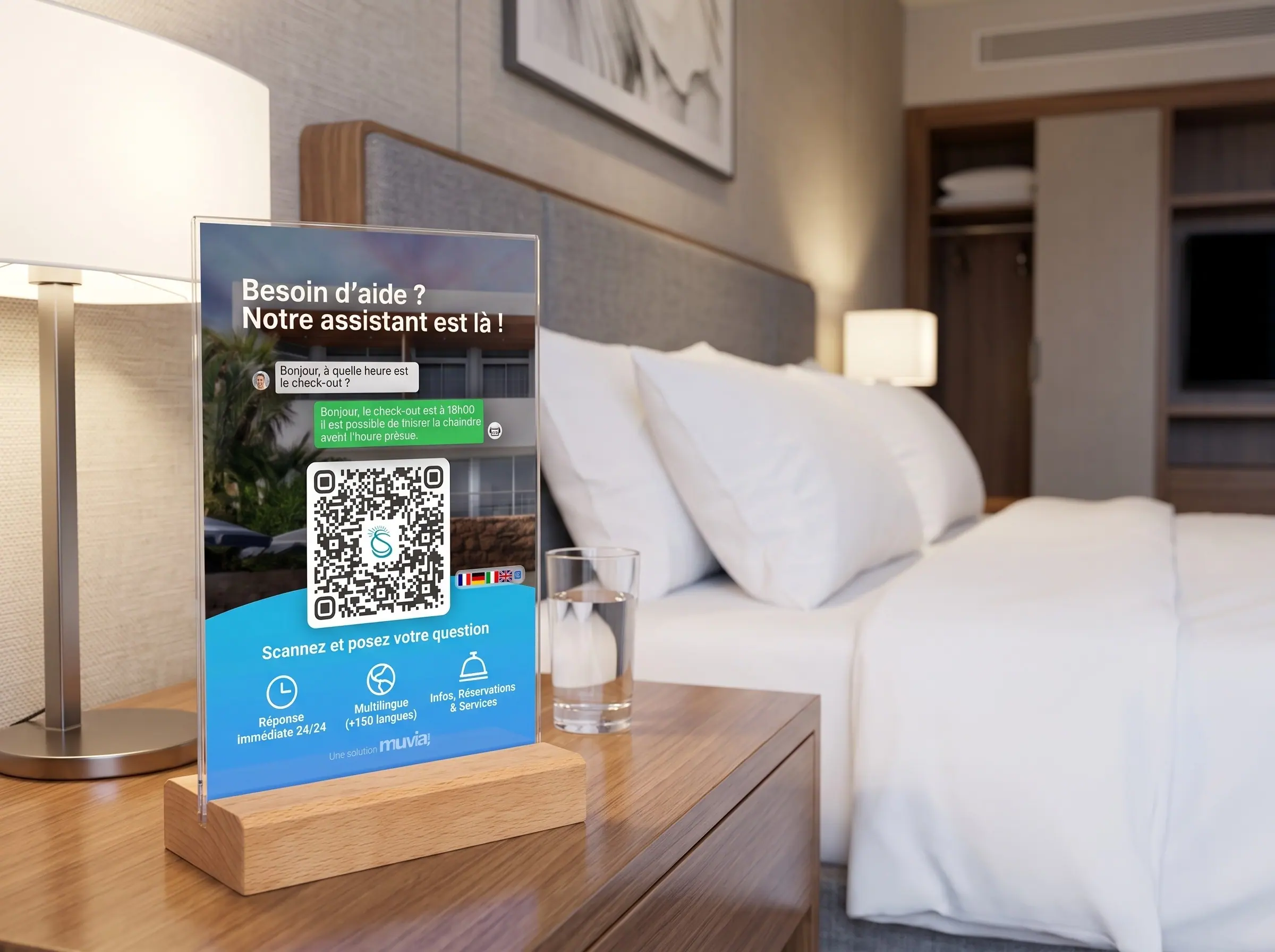
Print a QR code to display at reception, in rooms or in your emails, for direct, instant access.
Also offer the assistant in the digital welcome book, the guest area or on the reception tablet.
Checklist
Priority goal identified and documented.
Source documents clear, up to date and validated.
No-code platform chosen, turnkey set-up.
Handover and human oversight defined in advance.
Answers checked in real situations.
Integrations in place on every useful channel.
With these steps, installing an AI assistant takes just a few hours, fits the pace of a property and causes no interruption to guest service.
Data, security and human oversight: what to check
Making an AI assistant available to your guests means processing personal data: contact details, messages, habits, sometimes booking details. GDPR compliance and data protection are therefore a priority.
GDPR: consent and where data is hosted
Check where the data is hosted. The GDPR requires a level of protection, not a specific country, but hosting in France or the European Union makes compliance simpler. At Muvia, all data is hosted and secured in France.
The assistant only collects contact details when the visitor explicitly chooses to share them, with their consent and clear information on how their data will be used.
Access and permission management
Define precisely who on the team can view the history, export contacts or edit content, and limit permissions by role.
Use a secure admin interface, password-protected, with one account per user.
Traceability and human oversight
Conversations are stored securely, so that any unusual exchange can be reviewed.
Sensitive, contentious or regulated requests trigger an alert and an immediate handover to the team.
Regular content updates
Update your digital welcome book, FAQs and source documents at least every quarter.
Remove any incorrect or outdated information without delay to avoid inaccurate answers: a real-time update applies instantly to every language.
Note: a compliant solution helps you collect and process data lawfully, but responsibility for compliance always lies with the host. Inform your guests transparently and never share sensitive data without their informed consent.
Budget and estimated set-up time
An AI assistant for reception or the digital welcome is an investment in saving time and controlling costs. SaaS solutions are quick to set up, with no technical burden or unexpected costs.
Configuration time
If you do it yourself, allow 1 to 3 hours to gather the key information, fill in the tool and activate the widget or QR code, provided you start from reliable documentation.
You can also delegate: with Muvia's free installation, the team sets up your welcome book and assistant according to your instructions within 24 to 48 hours, then presents them to you for approval.
Costs to plan for
Offers usually take the form of an all-inclusive monthly subscription, with no hidden set-up fees, sometimes with discounted annual billing.
Prices vary with the number of rooms or pitches, the monthly volume of conversations and optional modules (popups, advanced statistics, PMS connection).
See Muvia's pricing and subscription plans to estimate the exact cost for your property.
A free trial to get started risk-free
Serious solutions offer a free trial. At Muvia, it lasts 7 days, with no credit card and no commitment: enough to judge how well it fits your property and gather your team's feedback.
Allow 1 to 3 hours for the initial set-up, or none if the Muvia team handles it, then a few minutes per quarter for updates. The effect on call volume and on team and guest satisfaction is quickly measurable.
Common mistakes to avoid at launch
Deploying a no-code AI assistant is within everyone's reach, but some mistakes slow its adoption or reduce its benefits.
Trying to do everything at once
Avoid tackling every topic from the start (services, house rules, activities, review requests, promotions) or aiming for completeness in every language. It is better to move step by step to guarantee reliable answers.
Unsuitable or scattered source documents
An AI assistant only answers correctly if its sources are reliable, consistent and up to date. Use recent, harmonised and validated versions.
A neglected testing phase
Many projects underestimate the need to check answers in near-real conditions: ambiguous questions, typos, requests in foreign languages. Yet these are the cases that make the difference for guests.
No human oversight
AI does not replace human judgement for exceptional situations, complex complaints or regulatory decisions. Set up a clear procedure for handing over to a team member in those cases.
Anticipating these points avoids a lot of frustration and lets your AI assistant become a reliable support, for the team and for visitors alike.
FAQ on installing an AI assistant without technical skills
Can you install an AI assistant without knowing how to code?
Yes. Configuration is done from an intuitive interface, without writing a single line of code.
What is the difference between a chatbot and an AI assistant?
A chatbot follows a fixed script; an AI assistant draws on your documents to give personalised answers.
Do you need to train a model on your own documents?
No. Simply import your welcome books, house rules and FAQs in digital format (Word, PDF, text): the assistant uses them to answer, with no extra technical step.
What types of documents can you add?
Digital welcome book, procedures, house rules, list of services, FAQs, maps or instructions. Favour documents intended for guests, clear and up to date.
How do you stop the assistant from getting things wrong or making them up?
By clearly defining its scope, and instructing it to hand over to a human as soon as it doesn't know or the question falls outside its role.
Can the assistant be added to a website?
Yes, with the web widget provided during set-up, or by displaying a QR code on site and in your communications with guests.
How much does a no-code AI assistant cost?
A monthly subscription, often with no set-up fees (installation is free at Muvia). For an estimate tailored to your property, see Muvia's pricing and subscription plans.
How long should you allow for the initial set-up?
Between 1 and 3 hours if you do it yourself, depending on how much information you need to gather and the state of your documents. With the free installation, the Muvia team delivers an assistant ready for your review within 24 to 48 hours.
Can the assistant act on its own (bookings, notifications)?
Some simple actions can be automated, but the most sensitive or binding ones always require human approval, to ensure security and a quality guest experience.
What data should you check before giving it to the AI assistant?
Only provide the information needed to welcome guests, and never include confidential personal data or data not intended for guests without explicit consent.
For specific regulatory or security questions, advice from a lawyer or an IT security specialist can be useful. GDPR compliance and human oversight remain essential.
To see what an AI assistant can bring to your property, book a free demo with the Muvia team. The team supports every customer step by step and offers a free trial with no commitment, so you can judge the benefits for your welcome and your reception first-hand.
Accessible and secure, the AI assistant becomes a valuable working tool, designed to support people and make hosts' daily work smoother.
More articles
Discover more articles from Muvia Solutions


Properties
- HotelsTake the load off reception, day and night.
- CampsitesA welcome that holds up in peak season.
- Holiday residencesThe instructions for every apartment.
- HostelsAnswer every traveller in their own language.
- Holiday cottagesYour welcome book, even when you're away.
- Groups & chainsAll your properties in a single account.
Marketing, upselling & revenue
AI assistant & conversation
Digital welcome book
Resources
Worth reading