Your visitors ask questions. Leave with their contact details
Nobody fills in a contact form. Everybody asks a chat a question.
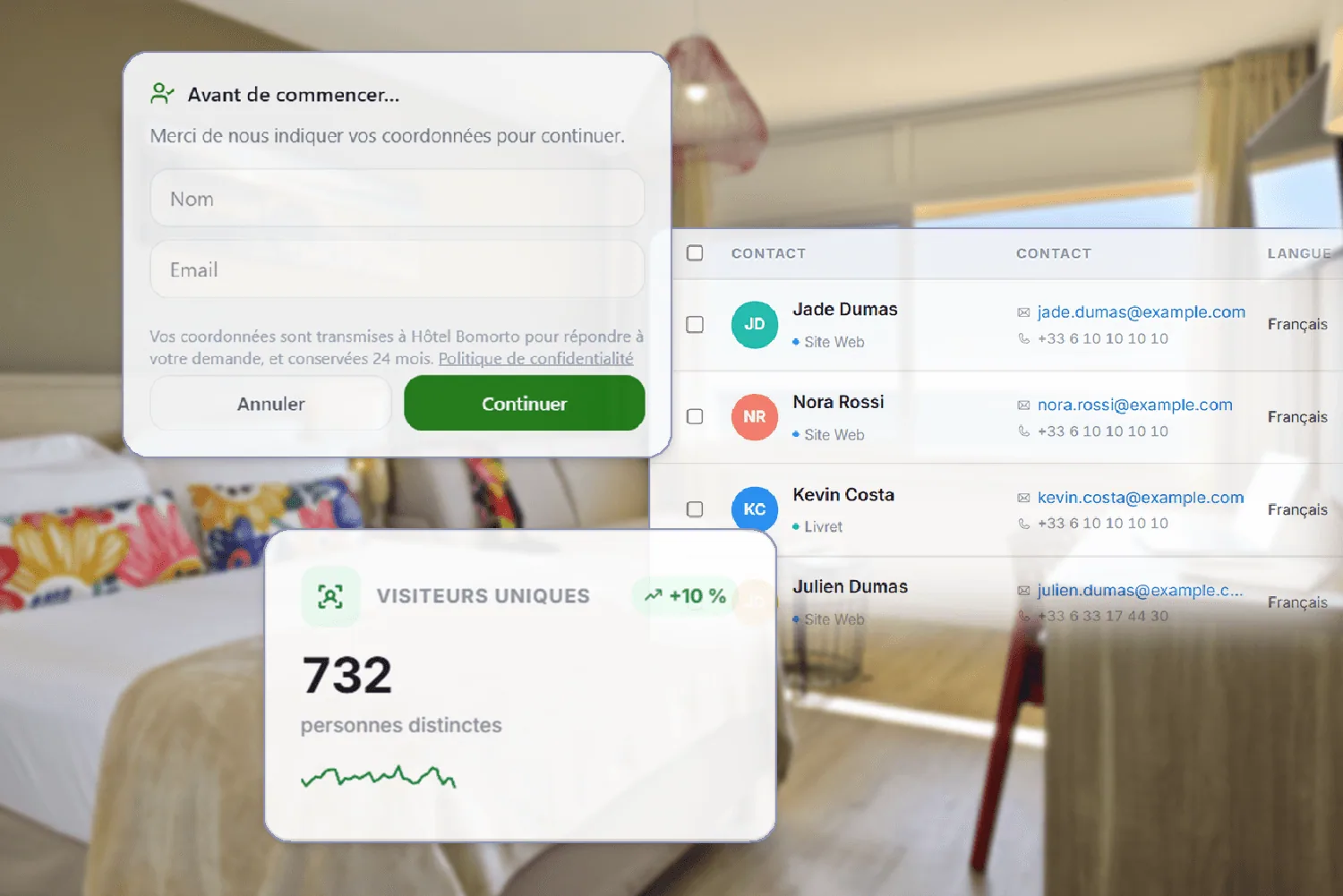

This feature can be switched on and off whenever you like, with a single setting.
The difference between a visitor and a contact
Dozens of visitors browse your website, hesitate, then leave. Those who open the chat leave a first name and an email.
Data collected properly
Contact details are collected with consent, and can be deleted at any time.

FAQ
Frequently asked questions about guest data


Properties
- HotelsTake the load off reception, day and night.
- CampsitesA welcome that holds up in peak season.
- Holiday residencesThe instructions for every apartment.
- HostelsAnswer every traveller in their own language.
- Holiday cottagesYour welcome book, even when you're away.
- Groups & chainsAll your properties in a single account.
Marketing, upselling & revenue
AI assistant & conversation
Digital welcome book
Resources