
Muvia + Google Reviews: the invitation to leave a review, during the stay
The welcome book puts your Google reviews in front of your guests during their stay, while they're still with you.
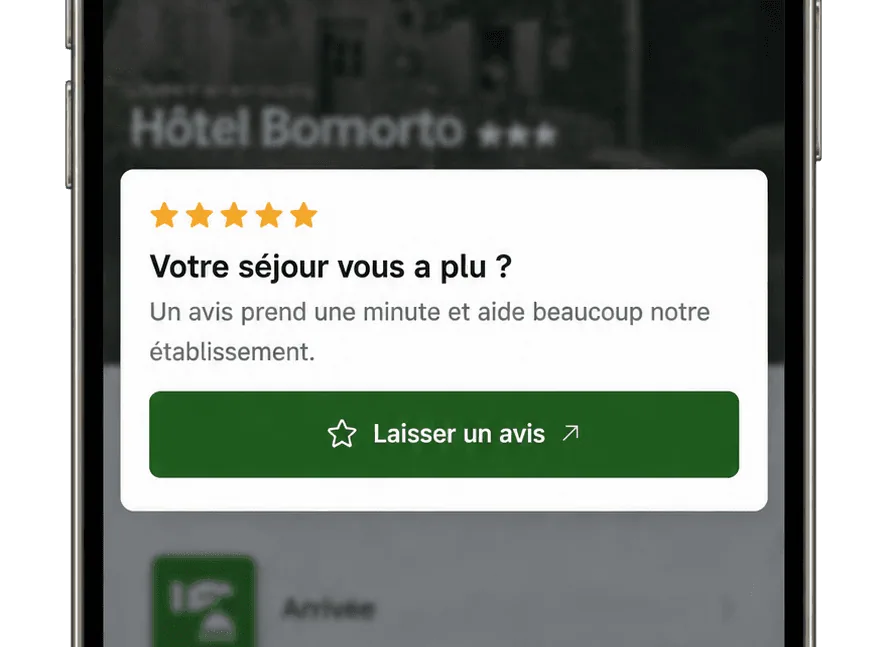
An invitation, not a reminder
No email, no notification: the invitation is in the welcome book. The guest sees it if they open it, and not otherwise.
Not on Google? The invitation can point to the review platform of your choice.
Your happy guests finally have a reason to write
They leave their review during their stay, while they're enjoying your property, instead of forgetting once they're home.

FAQ
Frequently asked questions about Google reviews


Properties
- HotelsTake the load off reception, day and night.
- CampsitesA welcome that holds up in peak season.
- Holiday residencesThe instructions for every apartment.
- HostelsAnswer every traveller in their own language.
- Holiday cottagesYour welcome book, even when you're away.
- Groups & chainsAll your properties in a single account.
Marketing, upselling & revenue
AI assistant & conversation
Digital welcome book
Resources